20. October 2026
Update defects – directly within the form-based inspection process
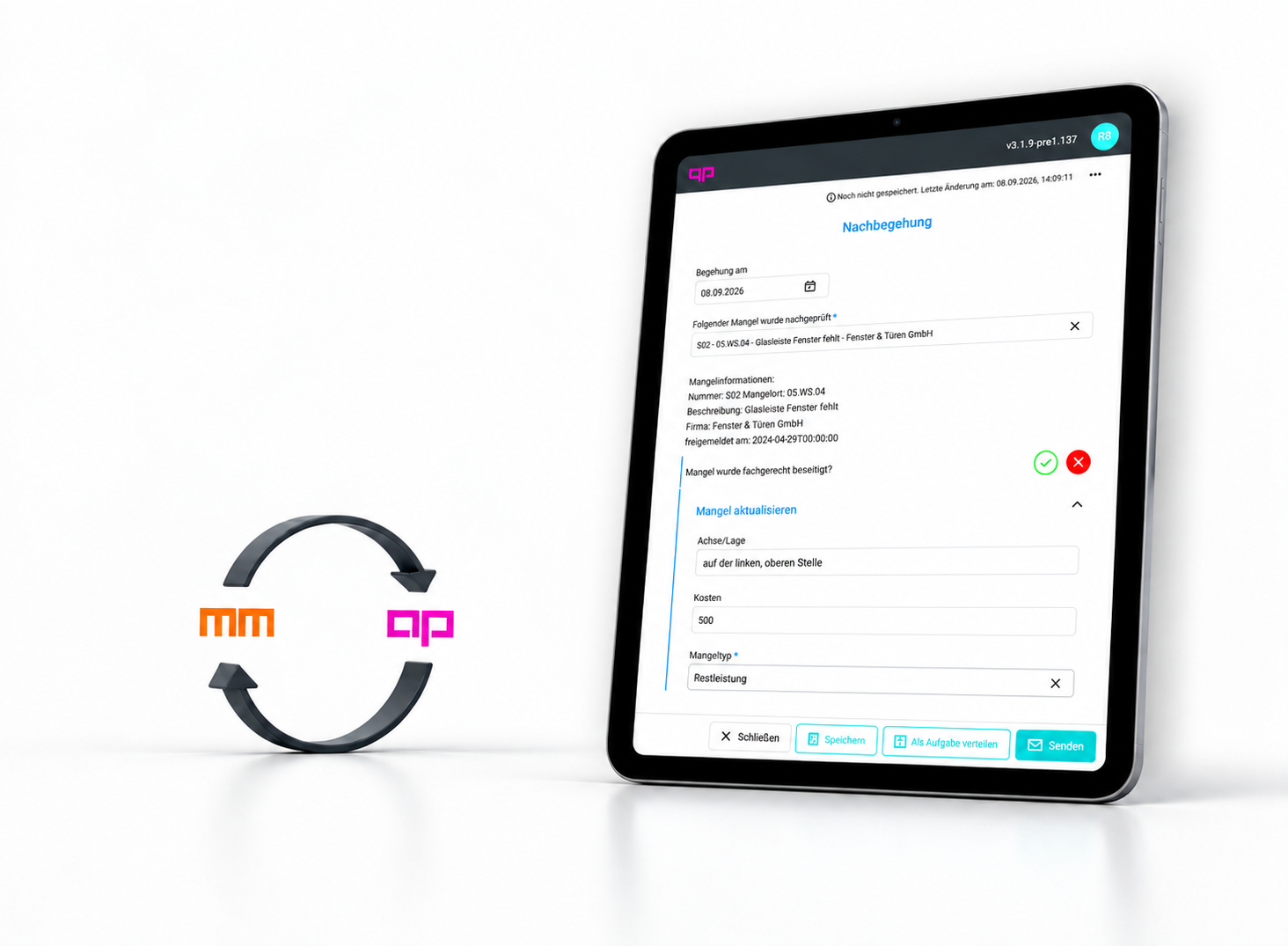
Now new in our mydocma AP form manager: Documented defects from the mydocma MM defects management system can be seamlessly integrated into form-based inspection processes, selected as required and updated directly. In addition, project-specific information from mydocma MM can be used in forms and reports.
Transfer existing defect data directly into the form
Thanks to the new form element ‘Defects from MM’, existing defect data can now be retrieved directly from mydocma MM and integrated into form-based inspection processes.
Fixed or dynamic filtering
Im Strukturfilter wird festgelegt, ob die Mängel fest auf einen bestimmten Strukturknoten oder dynamisch über eine Variable gefiltert werden. So kann während einer Inspektion gezielt auf bestimmte Strukturen, beispielsweise Wohnungen, gefiltert werden.
What information on defects is available?
The information available on the form regarding the respective defects depends on the selected MM layout and the fields defined therein.
Select defects via the list item
To enable the imported defects to be selected in the form, the ‘Defects from MM’ element is linked to a list element. This determines which defect details are displayed in the drop-down menu and in what order.
Reusing defect data in the form
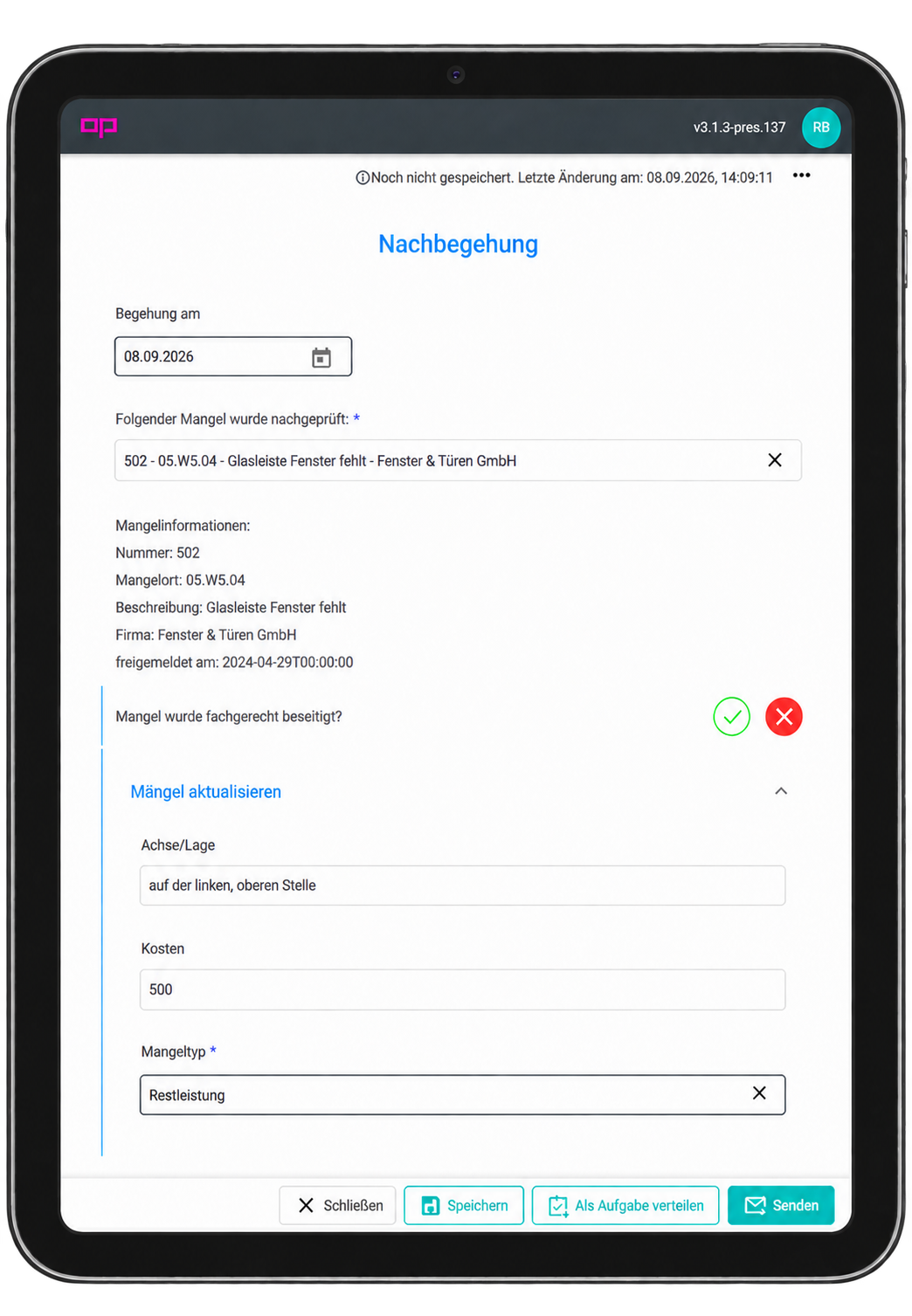
The variable picker therefore provides the defect fields available in the selected MM layout, which can then be reused in the form.
Update existing defects directly in the form
Defects that have already been recorded in mydocma MM can now be selected and updated directly within the form. This allows further information to be added to existing defects in a targeted manner during an inspection.
Change only the defect data that is required
When an update is carried out, a clear reference is made to the previously selected defect from mydocma MM. Only the fields populated for the update are modified – all other defect data remains unchanged.
Flexibly update master data, transactions and attachments
Depending on the inspection process, different aspects of a defect can be updated. For example, defect details, status changes or attachments such as photos and PDFs can be added or amended. Which information is updated can be specified individually for the relevant form fields within a form.
Continue to create new defects directly from forms
It is also still possible to create new defects directly from a form. The necessary information can be taken from the data entered in the form.
Using project variables in forms, reports and logs
In addition, project-specific variables from mydocma MM are now available directly in mydocma AP. They can be used within forms and subsequently included in PDF reports and logs.