13. July 2026
Importing missing items into mydocma MM Web – now made easy using an Excel list
From now on, defects can be imported directly into mydocma MM Web from an Excel list with just a few clicks – without any intermediate steps such as format conversion or having to go via Citrix.

The defect import function in mydocma MM Web is designed to import defects into the system quickly, in a structured manner and without errors from a prepared Excel file. The new defect records are easily transferred together with the process and any attachments.
Import dialogue box – A simple guide to importing defects
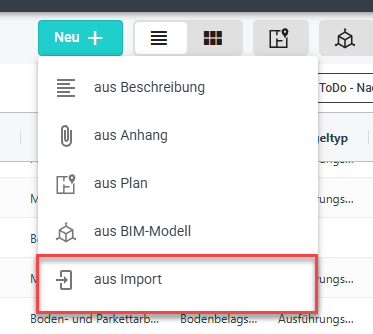
Clicking the ‘New’ button opens a drop-down menu from which you can select the new option ‘From import’. The dialogue box then guides you through the following three steps:
File selection
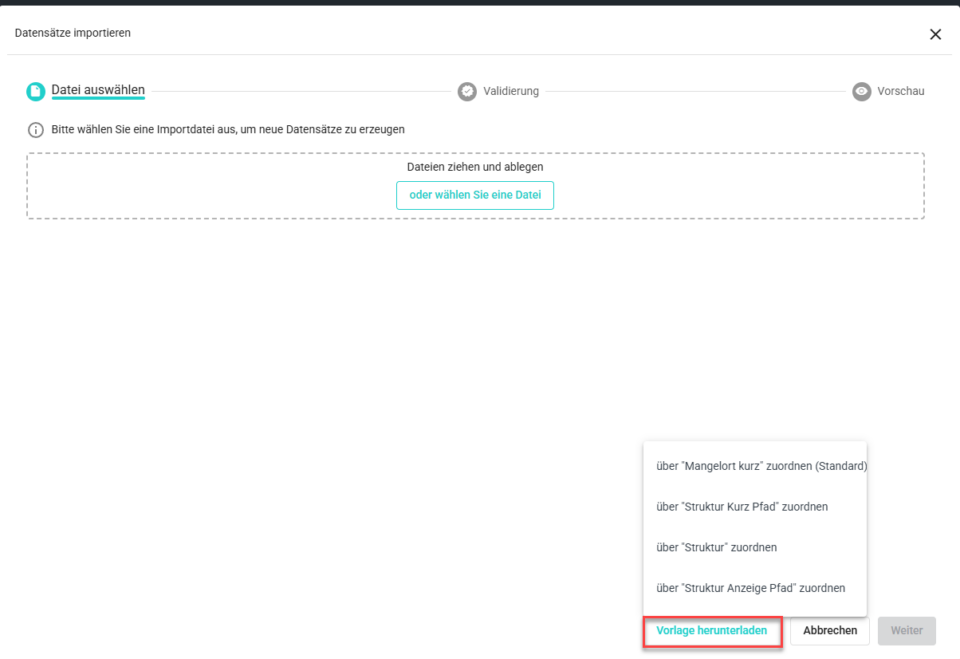
- Excel template
To import data records, download the relevant Excel template – this contains the available fields from the current layout, as well as additional tables with configuration entries for trades, companies, structures and statuses.
- Appendices
To import attachments, a ZIP file is required, as the attachment files are looked for in the same folder as the import file. There is a dedicated column in the Excel list for this purpose, which contains the names of the attachments. If the ZIP file contains several Excel files, the Excel file containing the defect data must have the same name as the ZIP file so that it can be clearly identified as the file for the defect import.
Validation & Preview
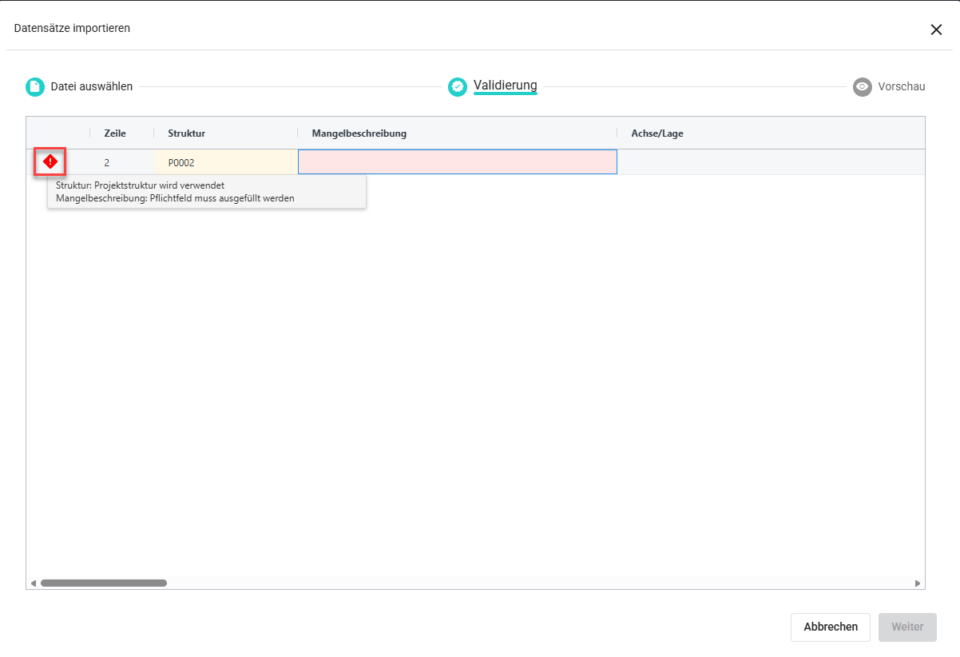
Once the file has been selected, the import file is automatically validated. Notes and errors are displayed in a summary. This allows you to see, before the import begins, which records can be imported and which cannot.
Final Import
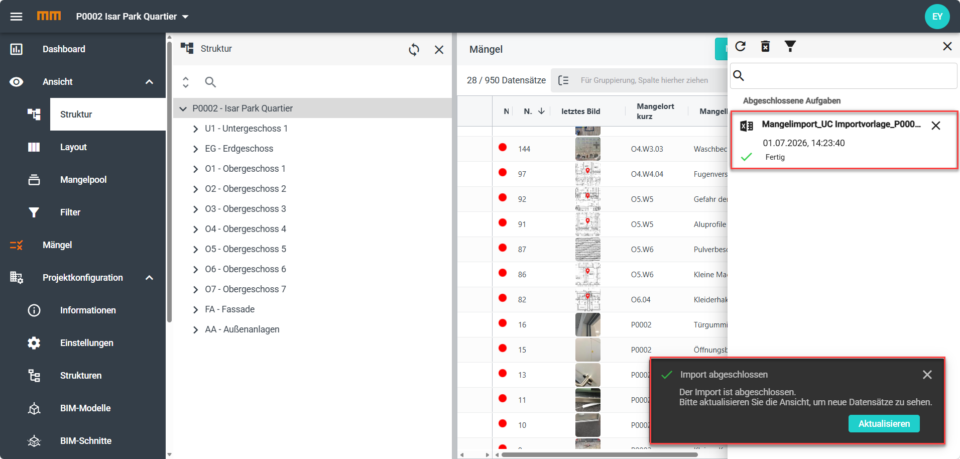
The import process runs in the background. You can monitor its progress in the Message Centre. A message will appear once the process is complete. Click ‘Refresh’ to reload the view and display the imported records. If any records could not be imported, a log will be provided. It shows the affected rows and specifies the cause of each error.